Start by identifying the flag
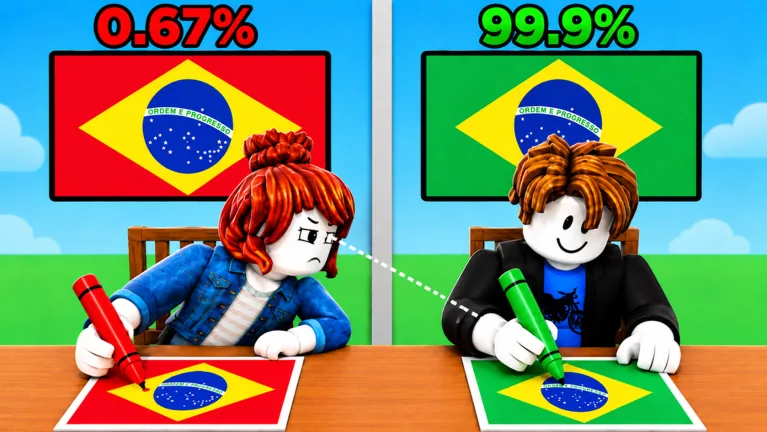
Read the country name before choosing a color. In Color My Flag, your goal is to color the country’s flag correctly and beat your opponent through higher accuracy. Knowing that a flag contains red and white is only the start: you also need to put those colors in the right parts of the design.
For your first duel, use a simple routine: identify the design, choose the colors, then review the whole canvas. Take a moment to adjust a color that only looks close enough before you submit. A reversed stripe or forgotten symbol is easier to spot while you still have time to correct it.
Find a match and read the screen
Look for a table with room for another player. Read its player count and look for the invitation or exit controls. Once a named flag prompt begins, pay attention to your own canvas and the countdown rather than copying the other player’s choices.
Check how your device selects a region, applies a color and submits a result in the current client. Interface placement and input behavior can change. Use the timer you actually see; do not plan every round around a fixed duration taken from someone else’s session.
| Screen element | What to look for |
|---|---|
| Country name | The design you need to recognize |
| Canvas | Which parts are fields, bands or symbols |
| Color wheel and tone control | Your selected color and its brightness |
| Countdown | Time available for coloring and review |
| Submit | The visible action for sending your attempt |
| Result percentages | Your accuracy compared with your opponent |
If you see Practice or Play AI, check what each option does in your current session before relying on it for a particular mode or reward.
Separate recognition from color choice
Think about the shape before the shade. Ukraine uses two horizontal bands, blue above yellow. Belgium uses vertical bands, black, yellow and red from the flagpole side. Greenland adds a split circle to a split background. Treating all three as a generic collection of colors misses the part that makes each flag recognizable.
You do not need to solve every shade while reading the prompt. First decide which color belongs to each visible part. Then use the picker to get closer to the color you intend. That separation makes a mistake easier to diagnose: either the arrangement is wrong or the selected shade needs adjustment.
Start with a part you can identify confidently. That gives you a clear starting point. Check the current mode rules before assuming that larger regions earn extra scoring weight.
Review before submitting
Before you submit, scan the canvas from the flagpole side toward the opposite edge. For horizontal bands, scan from top to bottom. Then inspect any central emblem, cross, circle or corner panel separately.
Ask yourself three questions:
- Have I placed the colors in the correct order?
- Have I confused the background with a symbol?
- Is a color obviously too pale, dark or different from the color I intended?
For a flag you do not recognize, avoid assuming that another familiar country’s palette fits the same outline. Learn the design after the round instead of memorizing a wrong attempt. The flag guides explain different recognition problems, including triangles, crosses and split discs.
Use the result to choose your next adjustment
Read your accuracy percentage, then use it to choose what to adjust next. The percentage does not reveal the scoring equation. A recognizable flag can still fall short of a perfect result. Review placement first; then compare color choices on a later attempt at the same prompt.
Change one thing at a time when possible. If you reverse a stripe and also change every shade, a better result will not tell you which change helped. Keep your learning goal small: recognize one new design or improve one recurring mistake.
Read the color picker guide for palette adjustments and the accuracy guide for a more focused review routine. Launch the correct experience from the official Roblox page, by Country Colors.
FAQ
What is the main goal of Color My Flag?
Color country flags correctly and beat your opponent through higher accuracy. Recognition, placement and color choice all matter to your attempt. No public formula guarantees a particular score.
Should I submit as quickly as possible?
Give yourself time to review while watching the visible countdown. Check the current mode rules before assuming that speed earns a bonus. Rushing past an obvious placement mistake makes it harder to learn.
Can I use the HEX display as an answer key?
A HEX readout describes a color value. Check whether the current interface accepts typed input before trying to enter a value. A displayed value is not an answer key for the current flag.
Do I need a game pass to learn the flags?
You can study flag layouts and the visible coloring interface before deciding about any purchase. Check the current official store if you want a pass; a multiplier listing does not replace knowing the flag design.